A student submitted a /Draft certificate.
Here's what that means.
A student chose to record their writing process and submit a verified record alongside their work. That record shows when they wrote, for how long, how the document evolved, and what was typed versus pasted. You can check it in seconds.
Three files. One record.
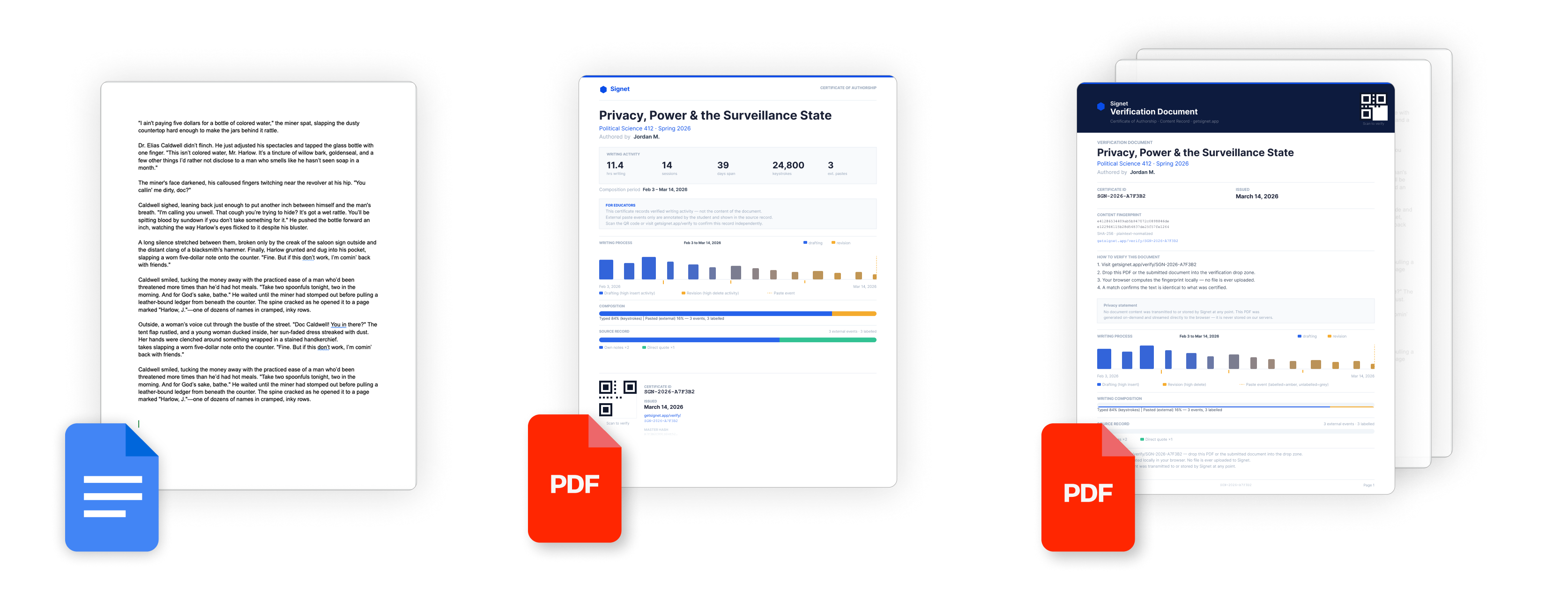
Your student used Signet /Draft to record the history and context of how they wrote their paper — sessions, timing, edits, sourced content. When they were ready to submit, they certified their work and received three files. Each one can be used independently to verify their writing record.
Their paper
The student's original document — exactly as they wrote it. Signet does not touch, modify, or process the content. This is the same file they would have submitted without Signet.
The certificate
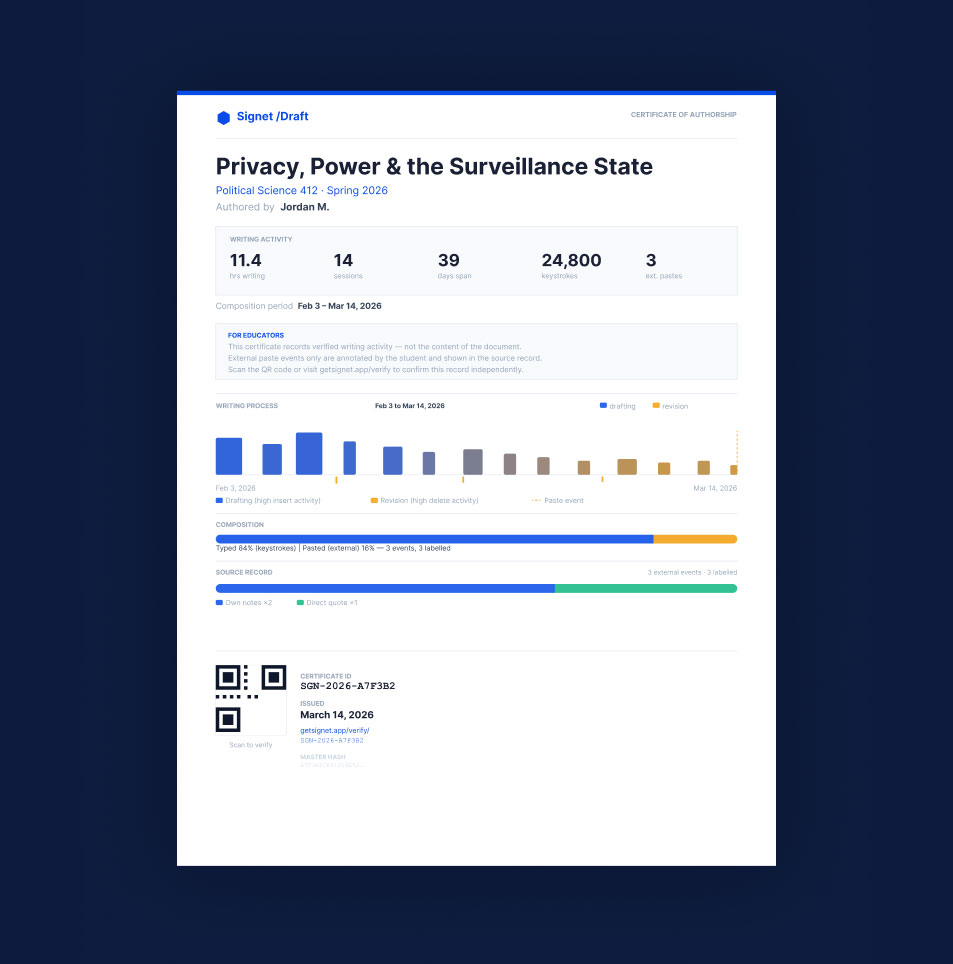
A one-page PDF showing their writing record: session history, composition ratio, paste events, and a QR code. This is what you scan or drop into the verification page.
The verification document
The complete package — certificate data combined with the full paper in a single PDF. One document you can read cover to cover.
You may receive one, two, or all three depending on how the student submitted. Any of them can be used to verify.
How To
Verify.
Scan the QR code on the certificate with your phone — or go to getsignet.app/verify on any browser.
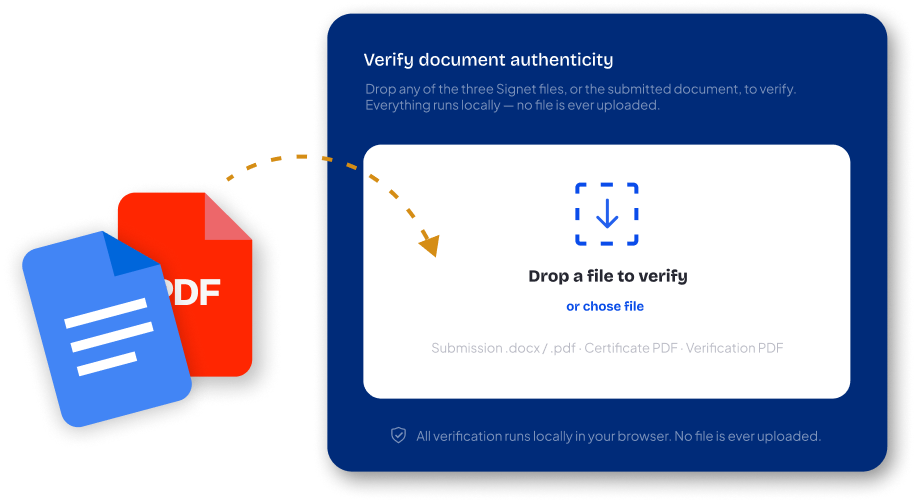
Drop the certificate, the verification document, or even the submitted paper itself into the drop zone.
See the complete writing record — session timeline, composition data, paste events, and a clear Valid or Invalid status.
Everything runs locally in your browser. No file is uploaded. No account is required. No relationship with Signet is needed.
What this changes for you.
The student brought the evidence.
You're not acting on a tool's suspicion. You're reviewing a record a student chose to create and chose to submit. That's a different conversation — and a different position if questions arise later.
You see process, not a score.
No probability. No flag. A factual record of when they wrote, how long, how the document changed over time. You apply your own judgment. Signet shows the data. You decide what it means.
It doesn't read their writing.
Signet never sees the student's document content. The system records the shape of the writing process — timing, edits, paste events — never the words. This is architectural, not a policy choice.
The record is independently verified.
The certificate is timestamped by an independent third party. It can't be backdated or altered — any change breaks the verification. You're not trusting Signet. You're trusting the math.
The landscape around AI and academic integrity is shifting.
AI detection tools are producing false positive rates that disproportionately affect non-native English speakers and formally trained writers. Several institutions have disabled AI detection entirely. Others are facing lawsuits from students falsely accused. Acting on a probability score carries real risk — for you and for the student.
A Signet certificate changes the dynamic. The student documented their process before any question was raised. You're reviewing their evidence, not generating an accusation. If your institution is exploring this at a broader level, we've written about it in detail.
Read: Signet /Draft for Institutions →Want to try it in your course? We'll help.
Signet /Draft is free for students — fully functional, no trial limits. If you'd like to pilot it in a class, writing program, or department, we'd like to support that and learn from how it works in practice.
We want perspective from the people who actually review student work.
Or reach us directly: hello@getsignet.app